Toolbar |
  
|
Toolbar |
|
With WebOffice 10 R3 it is possible to prioritize tools in order to get displayed directly in the toolbar.
Toolbar buttons of non prioritized tools are available in a menu of the corresponding toolbar group only. This way the toolbar gets reduced and therefore easier to understand.
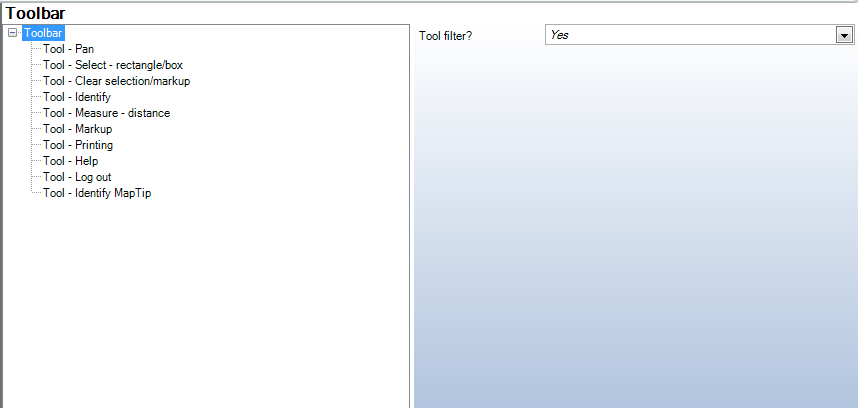
Toolbar Configuration
Property |
Description |
Tool filter? |
Displays a filter control for filtering big lists of tools |
Toolbar Configuration
Note: Following tools are prioritized initially: Pan, Zoom In, Zoom Out, Select-rectangle/box, Clear selection/markup, Identify, Measure-distance, Markup, Printing, Help, Log out, Email Map, Edit, Change language and Identify-MapTip.
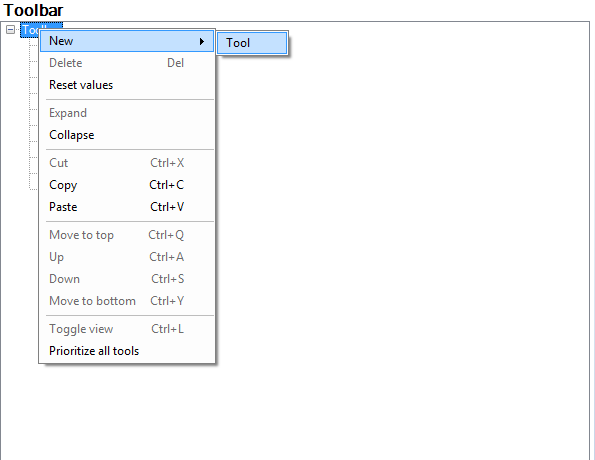
Adding tools to toolbar
Note: If you choose "Prioritize all tools" then all configured tools will get prioritized.
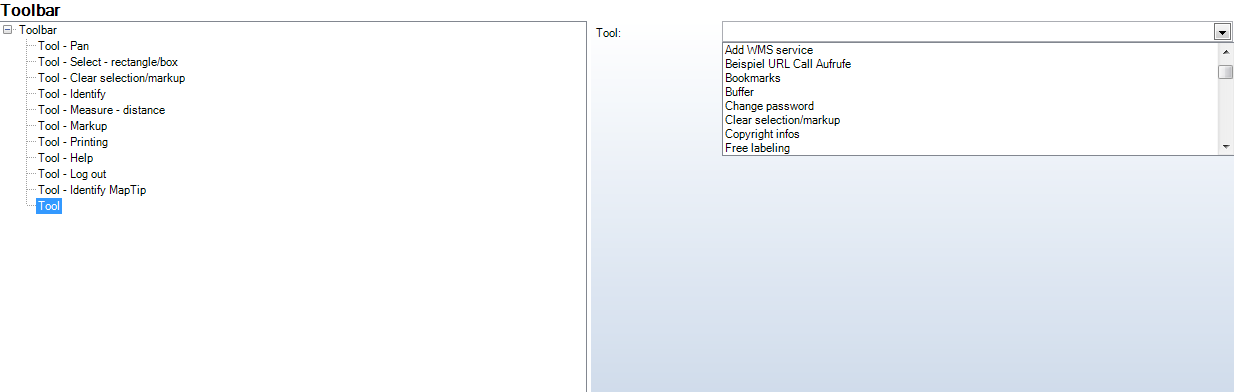
Choosing configured tool
Note: It's possible to declare tools, which are configured as grouped tools as prioritized tools. However it's recommended to use ungrouped tools if you choose to have a prioritization of tools. (See chapter Tools.)
The following picture shows an example with prioritized and non-prioritized tools in the toolbar:

Toolbar in HTML-Client
If a tool of the toolgroup "More tools" is used, it will get displayed instead of the general button of the toolgroup. This tool remains there until another one is chosen.
Filtering tools:
It's possible to filter all not-prioritized tools to list one or more individual tools in the drop down menu. Therefore it's necessary to enter either single letters or to enter the first letters of several different tools.
For example:
(1) If you enter 'a', then all the tools containing an 'a' will be listed.
(2) If you enter 'li label wms' only the tools 'Select Line', 'Lable Features' and 'Add a WMS-Service' are listed.