Style Configuration |
  
|
Style Configuration |
|
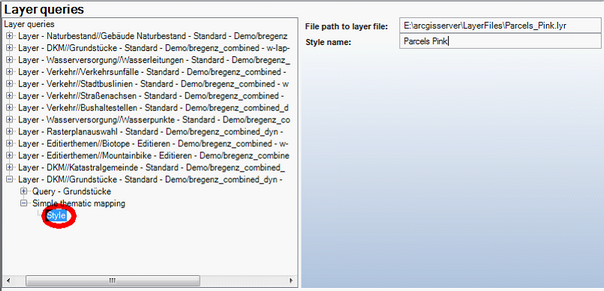
Style configuration - WebOffice category
Property |
Description |
File path to layer file |
The layer file specifies the symbology of the layer to be used. Note: The configured file path will get resolved on the ArcGIS Server machine. It must therefore be a valid file path on the ArcGIS Server machine and accessible by the local ArcGISSOC user. |
Style name |
Style name to be displayed in WebOffice client. |
Style configuration
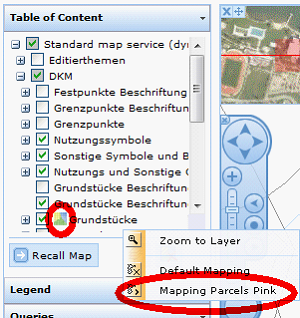
Thematic mapping icon displayed on Layer level in Table of Content, Drop down menu for choosing the layer style
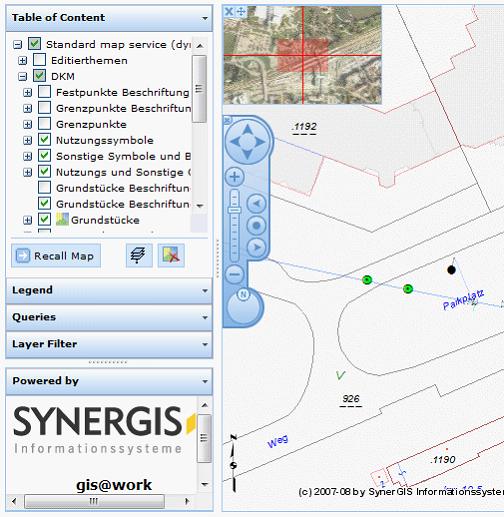
Original parcel style: black outlines
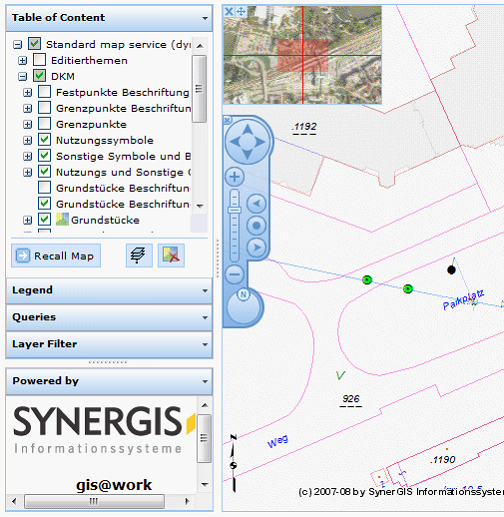
Changed parcel style: pink outlines