Simple Custom Tool |
  
|
Simple Custom Tool |
|
It is recommended to use the Simple Custom Tool configuration element for a Custom Tool that gets passed a list of coordinates digitized in the WebOffice 10 R3 client map as input.
Note: When using a simple custom tool, a new tool form will be opened. Other tools cannot be either activated or used.
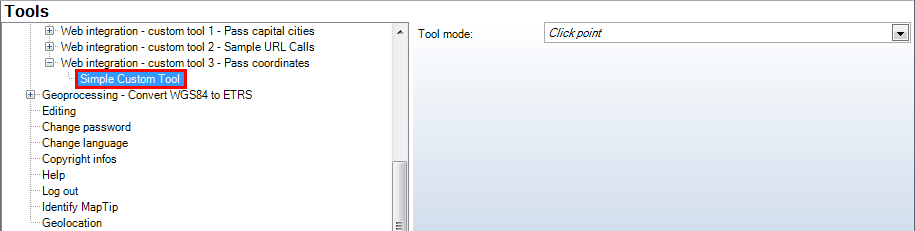
Simple Custom Tool configuration
Property |
Description |
Tool mode |
Tool mode: •Click point: User clicks into the map. Input will be one point (x / y coordinate), •Select box: User specifies a box (click and drag), •Line: User specifies a line, •Polygon: User specifies a polygon, •None: No interaction with the map is necessary. |
Simple Custom Tool configuration