Raster Choice |
  
|
Raster Choice |
|
Using the Raster choice function the user may use Esri raster catalogues with the possibility to show one or multiple arbitrary raster images in the map. Raster image display can be changed by the user on-the-fly. Recommended for e.g. showing images of the same area with differing time stamps, different image resolution and / or quality of raster images.
In the figure below you see the prerequisite for using the Raster Choice function: A layer of type Esri Raster catalog must be available in the mxd document used as ArcGIS Server service in the WebOffice 10 R3 project.
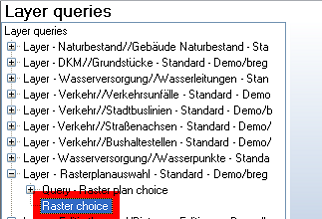
Raster choice configuration
In the WebOffice 10 R3 client the Raster choice functionality is available in the context menu (right mouse button) of the search result on the Esri Raster Catalog layer.
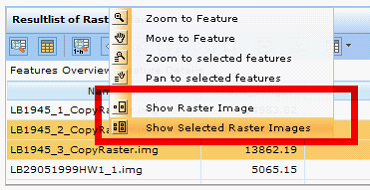
Raster choice functionality in WebOffice 10 R3 client
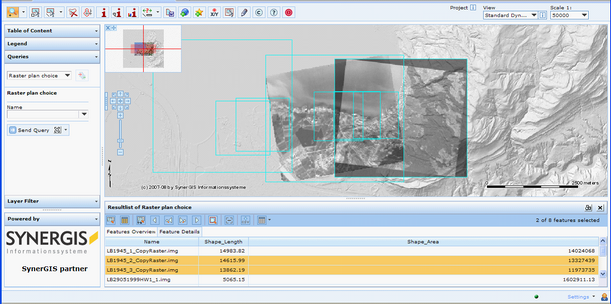
Result of Raster choice function - on-the-fly display of raster images
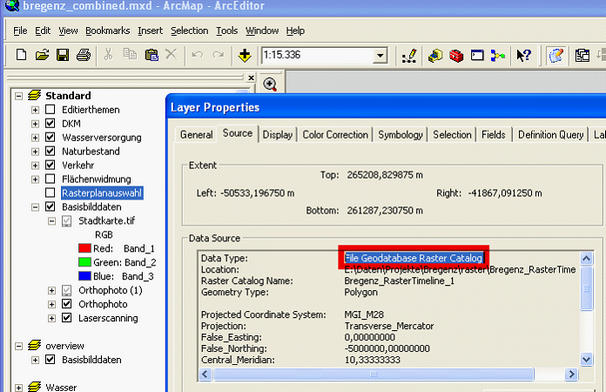
Raster choice function based on ESRI Raster Catalog
It is possible to configure raster image display using standard ArcMap configuration – see figure below:
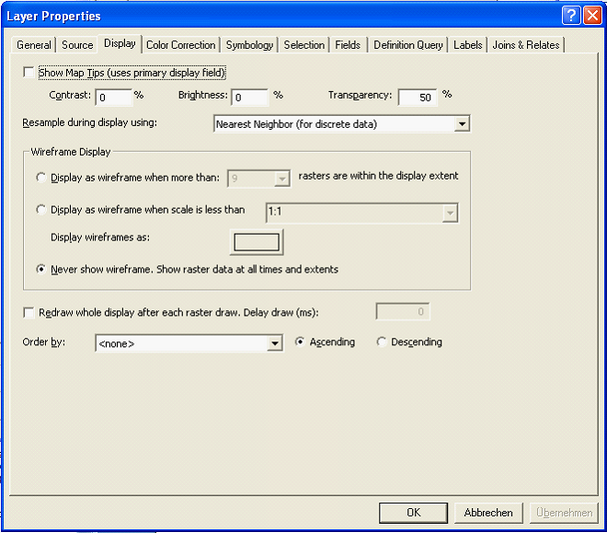
ArcMap Display tab of Raster catalog layer
Note that in the Selection tab of the Esri Raster Catalog in the mxd document, the ‘and draw rasters’ option must NOT be checked.
Note: Do not display the raster files as wireframe all the time – you would see wireframes instead of the raster image then. Recommended is to use ‘Never show wireframe. Show raster data at all times and extents’ option.
Note: Wireframe should have e.g. black outline and be filled hollow.
Note: Use Order by <FIELD> controlling display order of overlapping raster images.
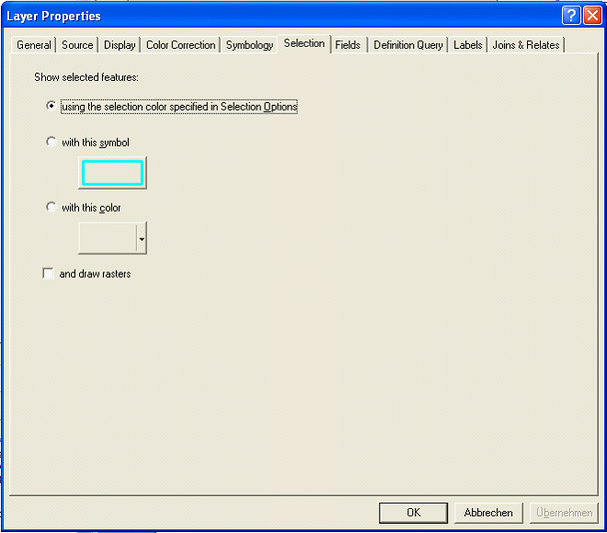
Selection tab of ESRI Raster catalog layer - 'and draw rasters' NOT checked