|
|
  
|
|
|
|
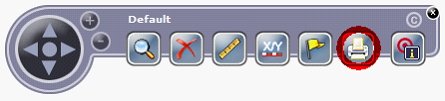
Print tool in toolbar of WebOffice flex client
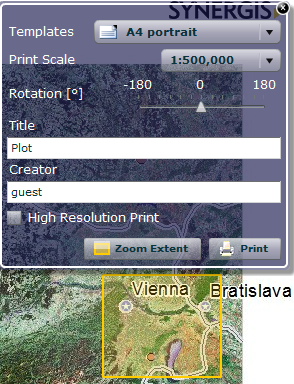
Print tool form and print extent in WebOffice flex client
Configured templates can be chosen from the drop down box. The icon changes from portrait letter (see figure above) to landscape letter if the template ID contains the word landscape. Defined print scales can be selected with a drop down box or entered manually if not configured. The print extent is shown by default and shows scale and rotation changes. Print resolution (high or standard), print title and creator can be defined. Using the button "Zoom Extent" you can zoom to the current print extent in the map.
Note: The output format will be the Default Output Format that was configured in the project configuration. If the default output format is not configured in the list of Print File Output Formats the first one of this list will be used.