Publish ArcMap sample project document to ArcGIS Server |
  
|
Publish ArcMap sample project document to ArcGIS Server |
|
In the next step, open ArcCatalog again, navigate to the directory where you store your map documents to be served with ArcGIS Server (<ArcGIS Server location>\ServiceDocuments) and publish "WebOffice_SampleProject.mxd" to ArcGIS server in the same way as the other documents in chapter Publish ArcMap documents to ArcGIS Server.
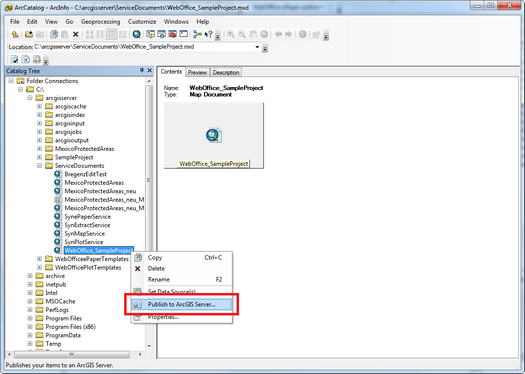
Publish Map document to ArcGIS Server
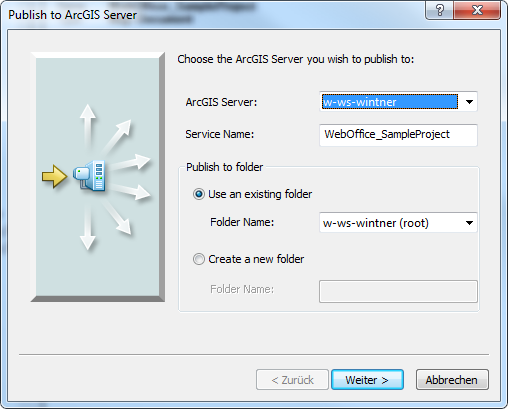
Publish wizard - choosing the ArcGIS Server node
Using the publish wizard you can keep all default values and just press Next and finally press Finish.