Configure ArcGIS Server Service WebOffice_SampleProject |
  
|
Configure ArcGIS Server Service WebOffice_SampleProject |
|
Now stop the WebOffice_SampleProject Service using ArcCatalog.
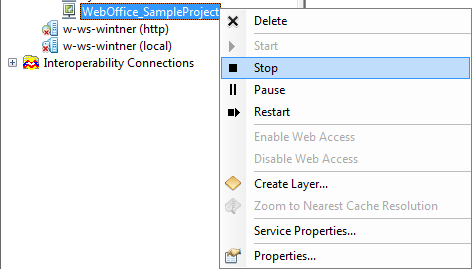
Stop ArcGIS Server Map Service
ArcCatalog then should show this:

Stopped ArcGIS Server Map Service
Now open the Service properties dialog
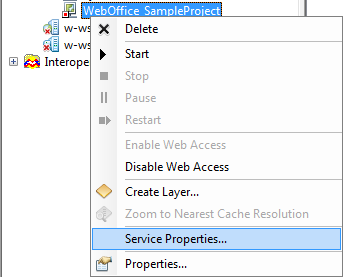
ArcGIS Server Map Service Properties dialog
Navigate to Pooling tab rider and check Minimum number of instances as well as Maximum number of instances, set it to 2 respectively 3 because the default ArcGIS Server settings (1, 2) are insufficient (see WebOffice10R3_UserManual.pdf, chapter Optimizing performance - Impact of Minimum and Maximum number of instances):
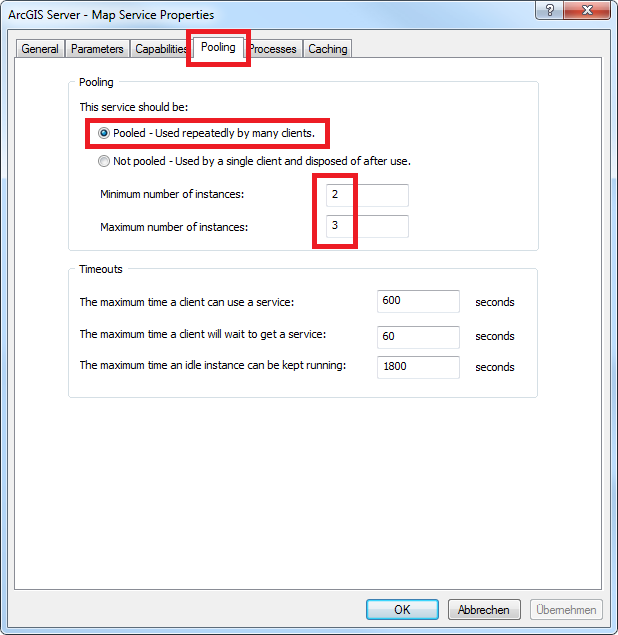
ArcGIS Server Map Service Pooling tab
Commit the changes pressing OK.
Start the Map Service again:
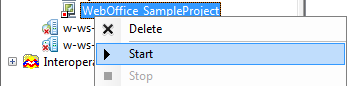
Start Map Service
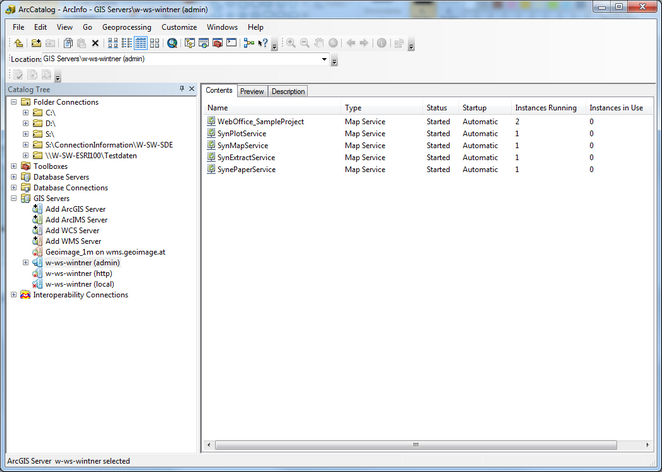
ArcCatalog Map Service overview