Layer Configuration |
  
|
Layer Configuration |
|
The Layer Configuration element is a sub element of the WebOffice node in the Project Structure Overall and may contain several subsequent elements. Almost all of them are described in the chapter Edit Menu and its sub chapters, therefore see the following links:
•Table of Content of Map Collection
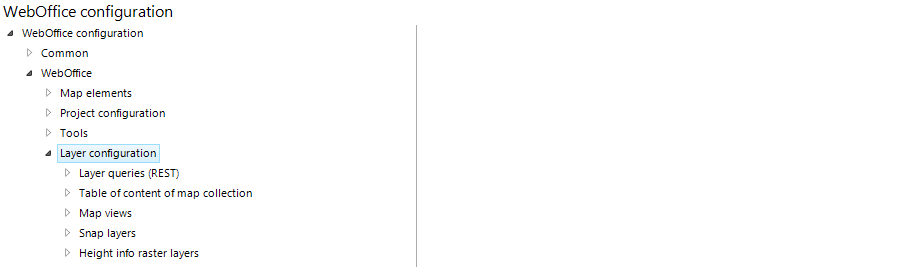
Layer configuration
Note: Due to the fact that the use of panorama images and videos is currently only available in a Beta Version, the configuration of this feature in WebOffice author is not described in detail. For more information about the configuration of panorama images and videos in WebOffice author, please contact the WebOffice Support & Services team (web-support@mysynergis.com).