Setup type: Complete |
  
|
Setup type: Complete |
|
This setup type installs all available program features - WebOffice authors and WebOffice server extensions.
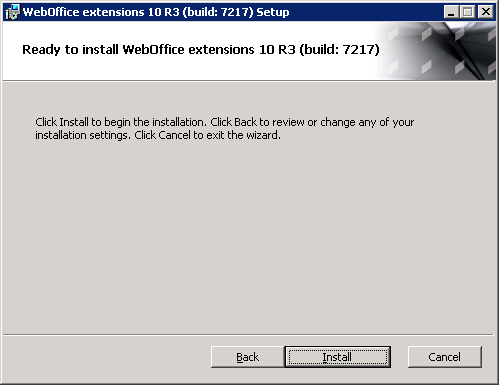
Click on Install to start the installation of the chosen WebOffice extensions.
Click on Finish to complete the installation.
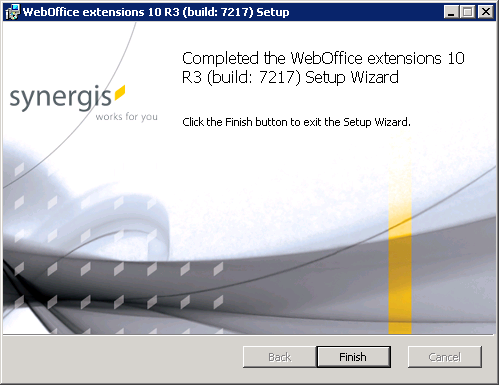
After finishing the WebOffice extensions setup, the ArcGIS Server configuration can be recovered. This is done as followed:
•Copy the content (all files and folders) of the copied cfg folder (e.g. from C:\Temp\BackUp\cfg) into the directory C:\Program Files (x86)\ArcGIS\server\user\cfg.
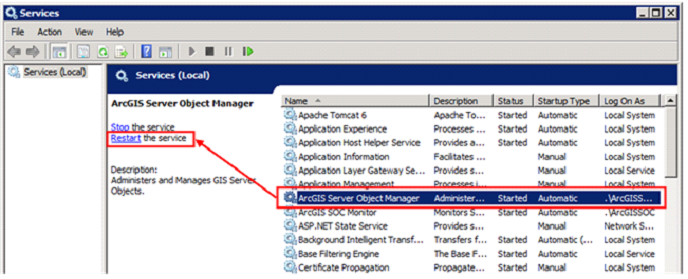
•Start the ArcGIS Server Object Manager.