WebOffice 10 R3 Administration pages |
  
|
WebOffice 10 R3 Administration pages |
|
WebOffice 10 R3 provides a web pages for administration called WebOffice 10 R3 Administration pages.
The Administration pages are accessible by
http://myServer/WebOffice/synadmin
(i.e. you add /synadmin to the WebOffice 10 R3 application name). The default value for the password is “admin” and should be changed immediately to a different value for security reasons.
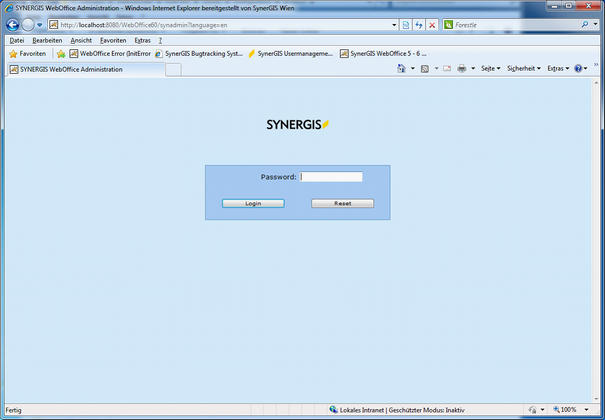
WebOffice 10 R3 administration pages login
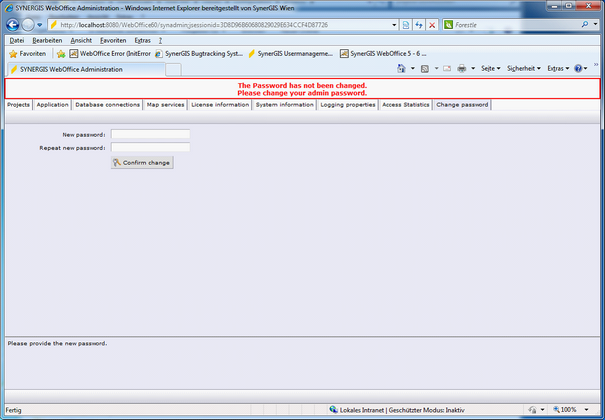
WebOffice 10 R3 administration pages - change password
Note: You should immediately update your WebOffice author Basic settings as soon as you have changed the administration pages password. See chapter Configure Basic settings for WebOffice author for details. In case WebOffice author is not able to publish projects after the administration pages password has changed, then please exit ArcMap and start it again. This way WebOffice author will reread the Basic settings.