Recover UM-DB |
  
|
Recover UM-DB |
|
The Scenario Recover allows the user to recover a saved backup of your database. Therefore, choose the scenario Recover and click Ok. A file dialog will open, where you can browse to the backup UMDB file.
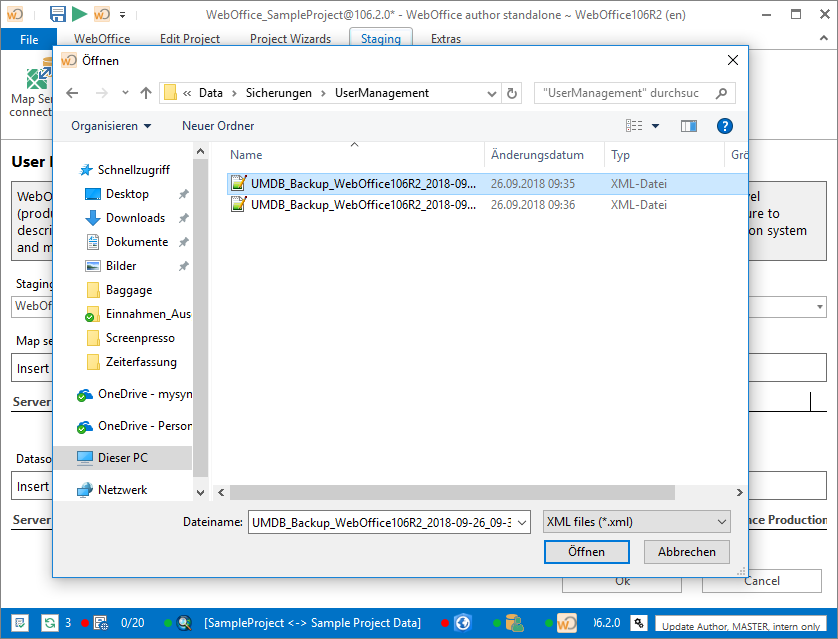
Choose a backup UMDB file
Note: Be aware that you will loose the original database content of your current profile! Click Yes to continue with recovery or No to cancel.
Note: Make sure to connect the same database backup file in the same database version of your WebOffice author standalone profile!
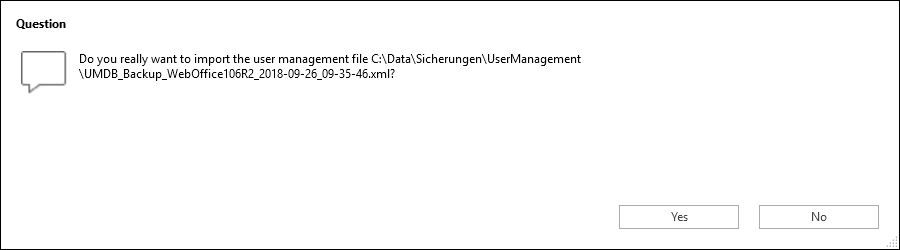
Confirm recovery
If the recovery operation is successful WebOffice author standalone will show a notification in notification logs saying that the Import of User Management database succeeded.
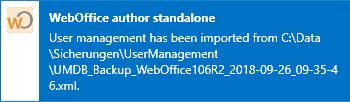
WebOffice author standalone status bar with notification