Export UM-DB |
  
|
Export UM-DB |
|
The Scenario Export allows the user to save a backup file of your database. Therefore, choose the scenario Export and click Ok. A file dialog will open, where you can browse to the folder where you want to save the backup UMDB file.
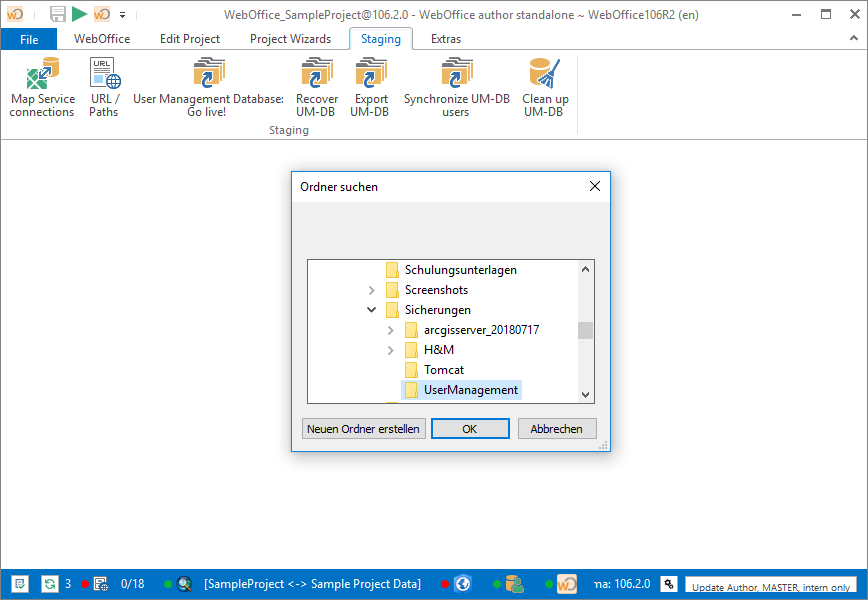
Choose the location to save the backup UMDB file
After the export has been finished you will see a notification in the WebOffice author standalone notification logs saying User management exported to <directory>\<application profile>_<date>_<time>.xml.
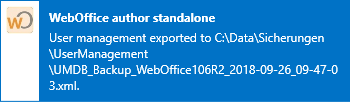
WebOffice author standalone status bar with notification