Increase Maximum Memory for SOE |
  
|
Increase Maximum Memory for SOE |
|
Follow directions of this chapter if you have troubles when creating an WebOffice ePaper report because of memory problems and get an error message in your Weboffice log file like the one below:
caused by failed to process REST communication due to error in response (message: failed to handle SOE request, possible error codes: [UNKNOWN]), details: [[failed to handle SOE request, Java heap space]]
In this case you can increase the SOC maximum heap size in the ArcGIS Server administrator directory:
•Call the ArcGIS 10.4 for Server Administrator Directory http://<server name>[:<port>]/arcgis/admin and log in with your primary site administrator name and password.
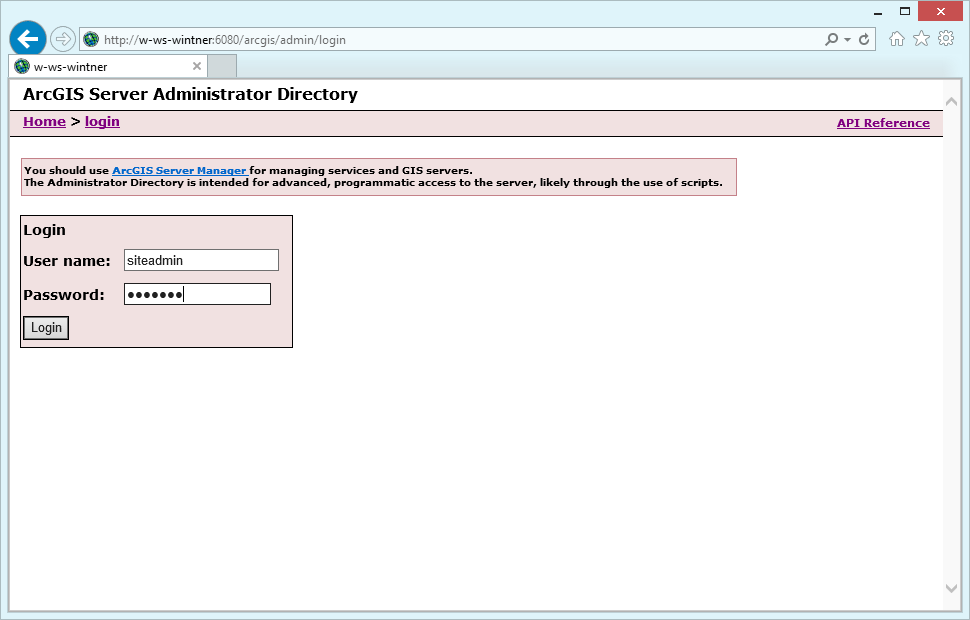
ArcGIS 10.4 for Server Administrator Directory
•Navigate to machines.
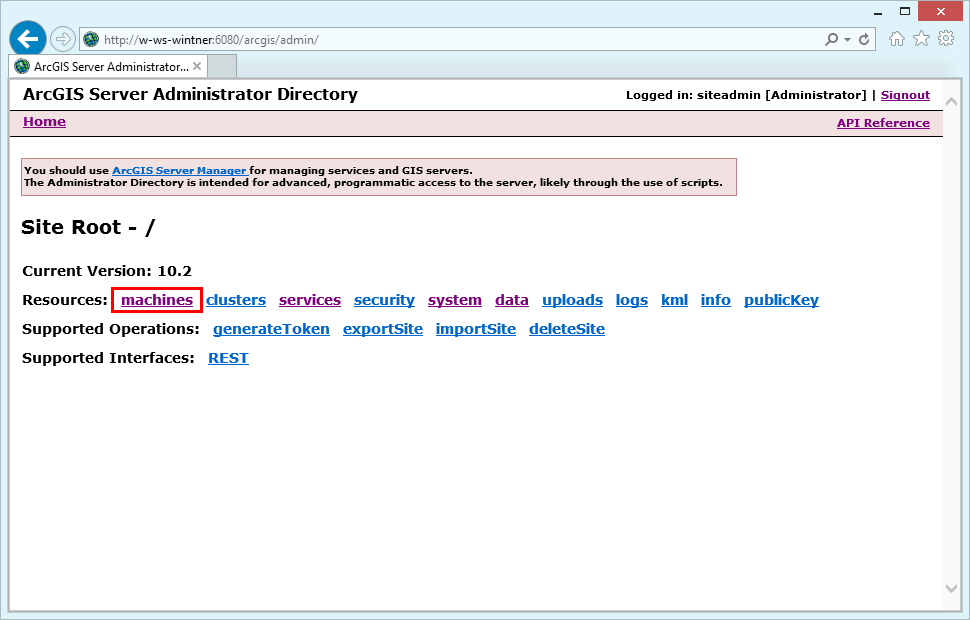
Navigate to machines
•Select the machine you are using.
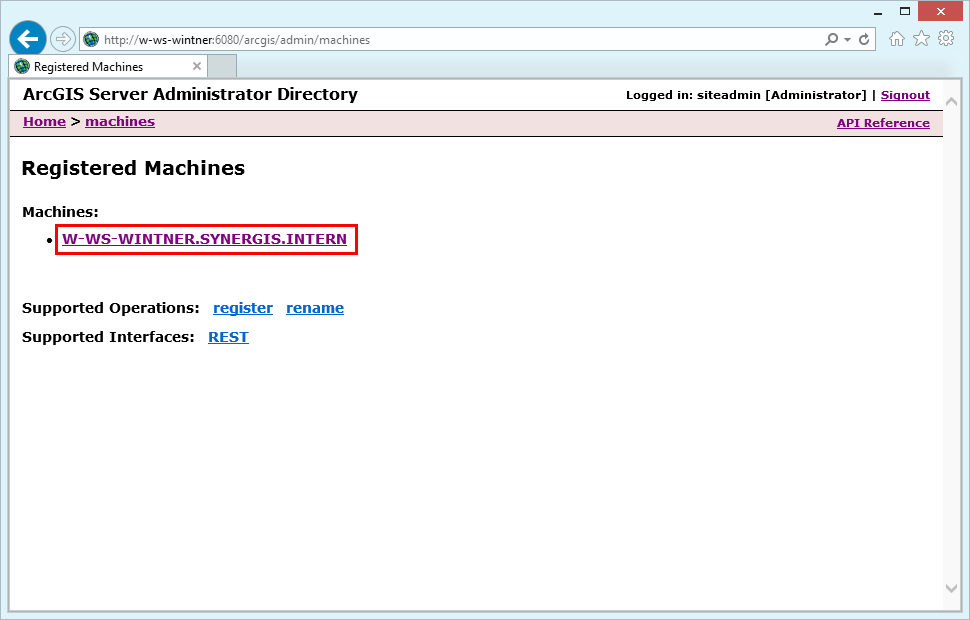
Select the correct machine
•Click edit to change the server machine properties.
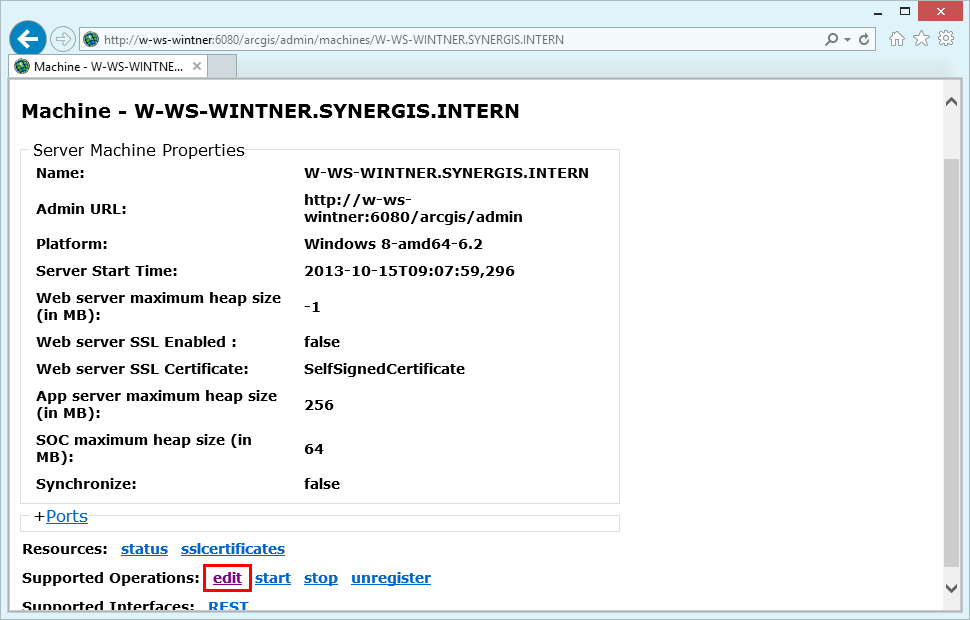
Edit server machine properties
•Increase the SOC maximum heap size (in MB) to, e.g. 256.
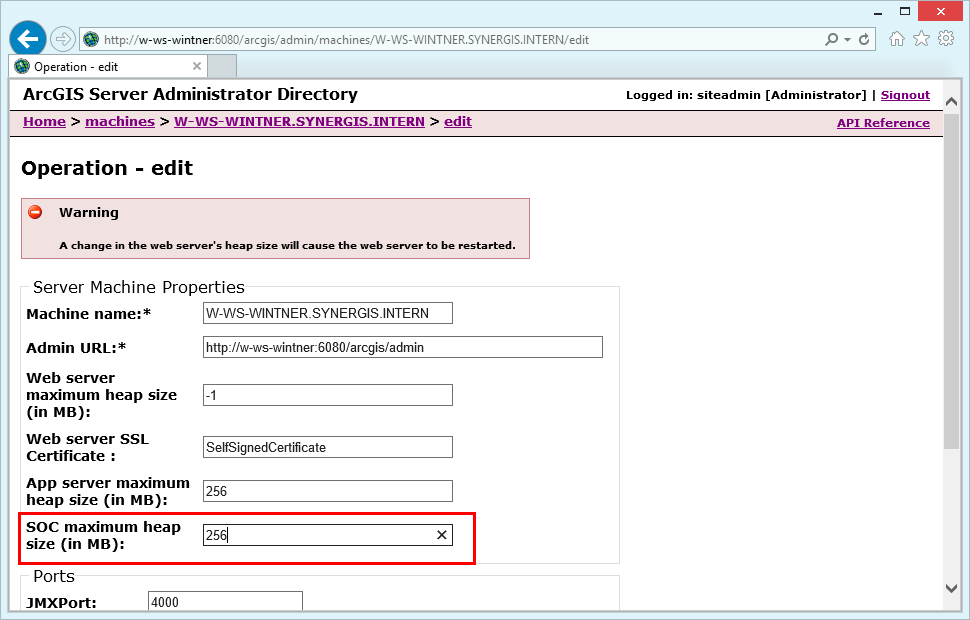
Increase SOC maximum heap size
Save edits which will cause the web server to restart.