General Questions |
  
|
General Questions |
|
Q: What do you have to consider when passing on templates (mrts)?
A: Following things must be identical:
•Name of the Feature Class
•Name of the layer (since otherwise the templates are not even available)
Q: What selection settings have to be done for the selection of the selection in the Feature / Current Map to be correctly displayed in WebOffice ePaper?
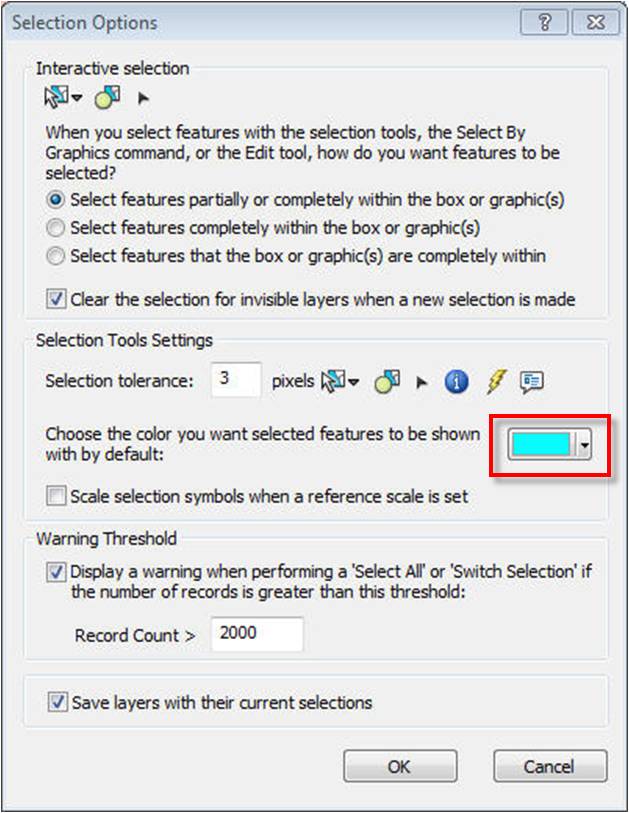
A: You have three different options to select from for setting the selection. The following section shows what result is achieved on the web and on the desktop with what setting.
Option: Using the selection color specified in Selection Options
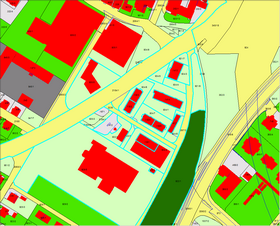
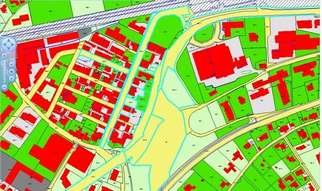
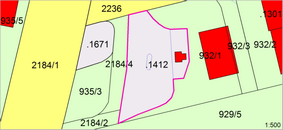
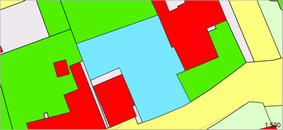
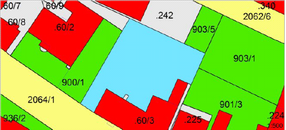
When you keep the default color for selections, this leads to following display:
Predefined selection setting and color
ArcMap / GeoOffice |
WebOffice |
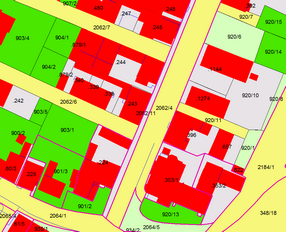
Display of the selection in ArcMap / GeoOffice |
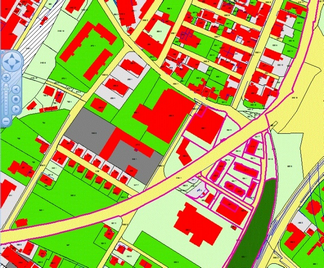
Display of the selection in WebOffice |
|
|
Created with GeoOffice ePaper |
Created with WebOffice ePaper |
|
|
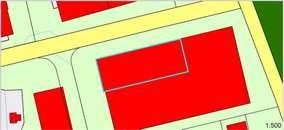
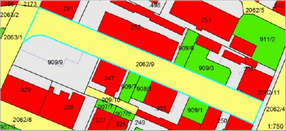
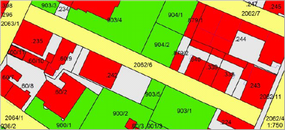
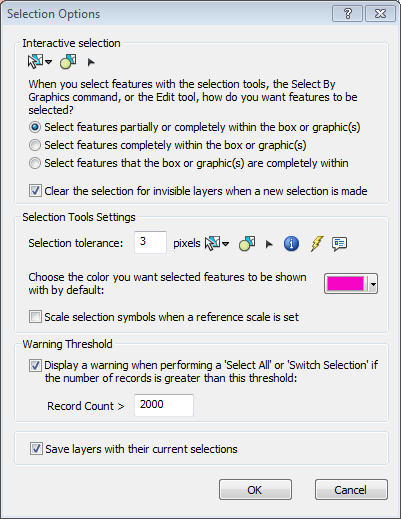
If you change the color of the selection from the default color for instance to pink, this leads to the following display:
Changing the selection color to pink
ArcMap / GeoOffice |
WebOffice |
|
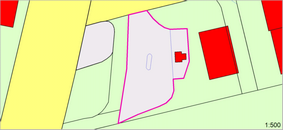
Display of the selection in ArcMap / GeoOffice |
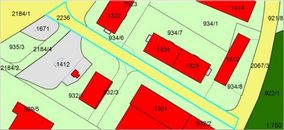
Display of the selection in WebOffice |
|
|
|
|
Created with GeoOffice ePaper |
Created with WebOffice ePaper |
|
|
|
|
If the default color is changes, the selection for an ePaper created in WebOffice is still displayed with the default color.
Option 2: With this symbol
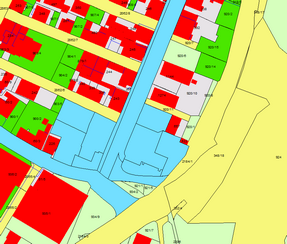
When you use the selection setting "with this symbol", this leads to following display:
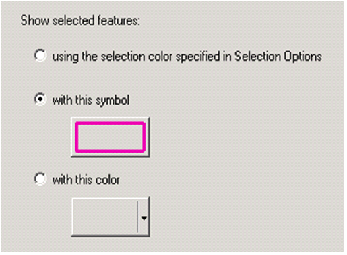
Selection setting "With this symbol"
ArcMap / GeoOffice |
WebOffice |
|
Display of the selection in ArcMap / GeoOffice |
Display of the selection in WebOffice |
|
|
|
|
Created with GeoOffice ePaper |
Created with WebOffice ePaper |
|
|
|
|
If this selection setting is chosen, the selection will not be displayed for an ePaper created in WebOffice.
Option 3: With this color
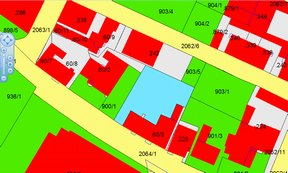
When you use the selection setting "with this color", this leads to following display:
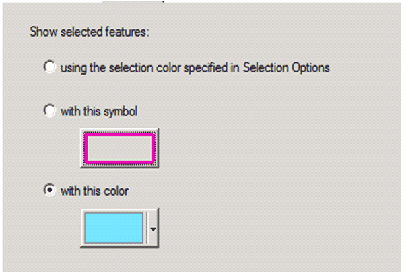
Selection setting "With this color"
ArcMap / GeoOffice |
WebOffice |
Display of the selection in ArcMap / GeoOffice |
Display of the selection in WebOffice |
|
|
Created with GeoOffice ePaper |
Created with WebOffice ePaper |
|
|
If you use this selection setting, the selection will always be correctly displayed.
Q: What means the error "Expression too long or too complex" when generating the ePaper from WebOffice_
In the desktop the ePaper is generated without any problem. When accessing the ePaper template from WebOffice an error code appears, that refers to following error in the log file:
Source: SynerGIS.ePaper.Shared.ArcGIS
Message: ePaper could not be created: error CS1647: An expression is too long or too complex to compile near the Reports.Bericht.InitializeComponent().
….
A: The error "Expression too long or too complex" refers to the fact that the ePaper Template is too large and cannot be compiled. The .Net framework has limitations and casts this error when compiling. This occurs often when very large images are inserted directly into the ePaper template.
Large images should not be inserted directly into the ePaper template. The GeoOffice ePaper designer offers beside the possibility of embedding images directly into the template also following alternatives:
•load from path
•load from URL-Link
•load from database
The advantage of these three alternatives is that the image will not be loaded as a string into the template, but will be loaded only during the runtime. This accelerates the generation of the ePaper