Installation |
  
|
Installation |
|
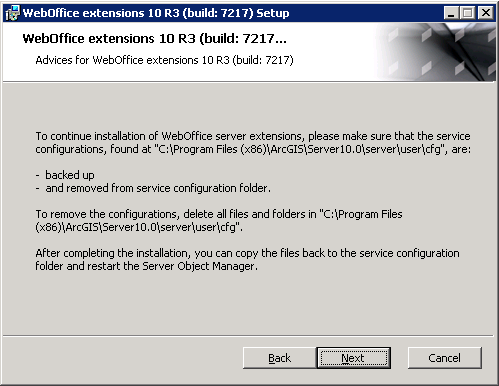
Before starting with the installation, it is necessary to make a backup of the ArcGIS Server configuration and to clear the directory.
Do the following steps:
•Save the folder C:\Program Files (x86)\ArcGIS\server\user\cfg (e.g. to the location C:\Temp\BackUp)
•Delete the content (all files and folders) of the folder C:\Program Files (x86)\ArcGIS\server\user\cfg
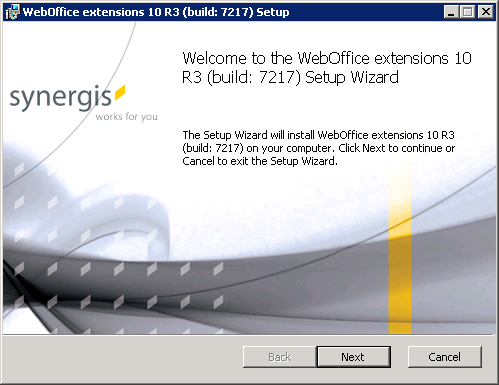
Start the setup for WebOffice ePaper, by executing the WebOfficeExtenstions.msi.
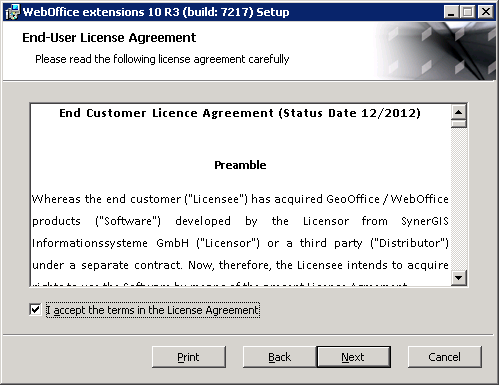
Read the end-user license agreement, accept the terms int the license agreement and click ont the button Next.
Read the advices for the WebOffice extensions 10 setup. If you havent’t made a backup from the service configurations so far, make a backup and delete the service configurations. Click on Next to continue with the installation.
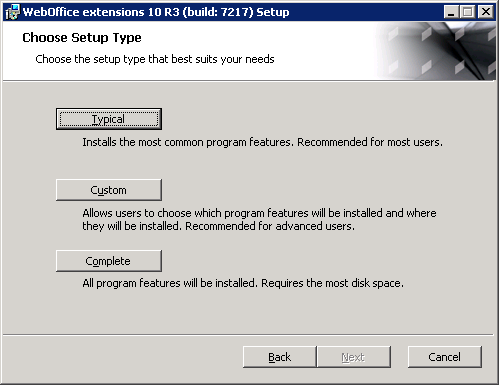
Choose the setup type. Following setup types are available: