Information on involved Windows user groups |
  
|
Information on involved Windows user groups |
|
In this chapter you find some information on Operating System users and groups used by ArcGIS Server.
The ArcGIS SOC user account reads and opens the ArcMap document, therefore it must have access rights (read, for some data formats write as well) to
•ArcMap document (mxd),
•File based geodata,
•ArcSDE connection files.
The ArcGIS SOM Account is used to run the ArcGIS Server Object Manager process/service. WebOffice 10 R3 communicates to the SOM via DCOM respectively SOAP.
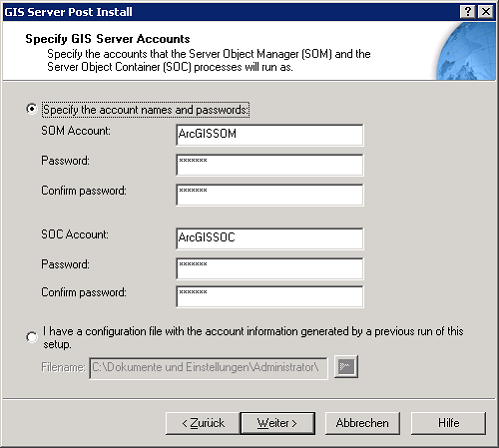
ArcGIS SOM and SOC User Account
The ArcGISWebServices account is an account proposed by ESRI to be used as administrative account. WebOffice 10 R3 does not need this account.
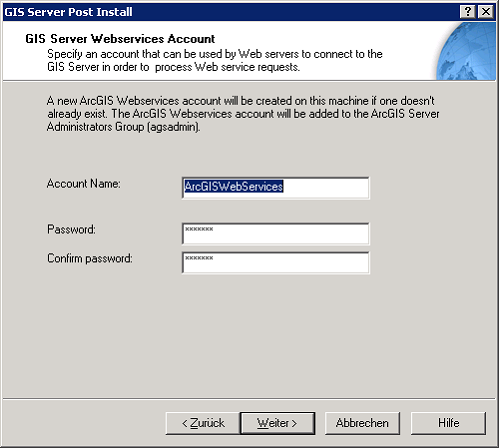
ArcGISWebServices account
Note: It is recommended to add your existing administrative user account (the account you use for logging in to the ArcGIS Server machine) to the local ‘agsadmin’ and ‘agsusers’ group after having run the ArcGIS Server post installation process. In the screenshots below the user account for logging in to the server is ‘Administrator’ and has local Windows administrator's rights. You must log off and log on back again after having done changes on the windows user groups.
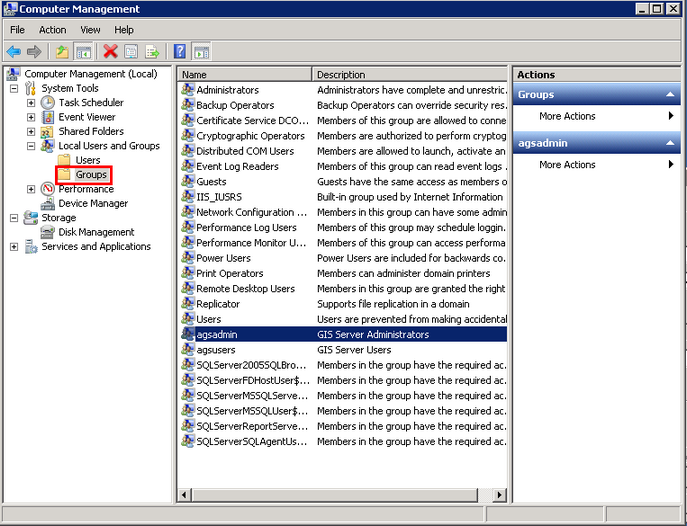
Managing local users and groups - agsadmin
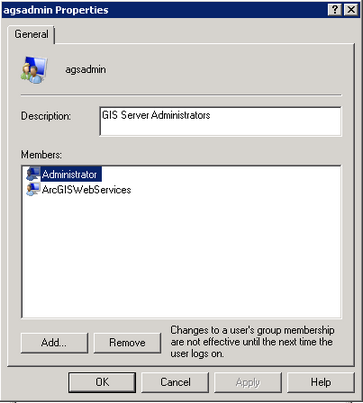
Adding local Administrator user to agsadmin group
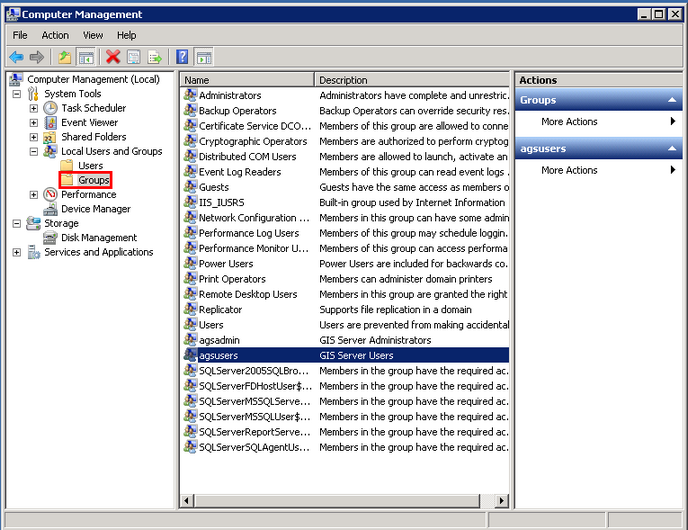
Managing local users and groups - agsusers
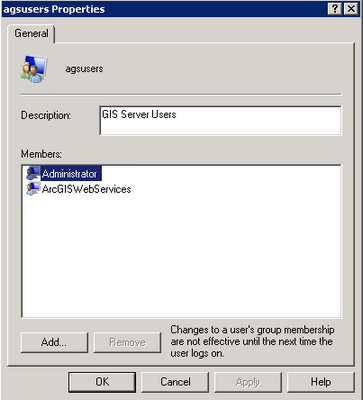
Adding local Administrator user to agsusers group