Configure ArcGIS Server Service SynePaperService |
  
|
Configure ArcGIS Server Service SynePaperService |
|
Now stop the SynePaperService Service using ArcCatalog.
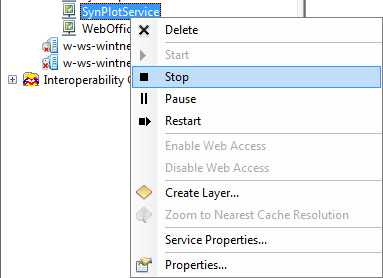
Stop ArcGIS Server Map Service
ArcCatalog then should show this:
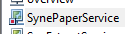
Stopped ArcGIS Server Map Service
Now open the Service properties dialog
Next, navigate to Capabilities tab rider and check WebOffice ePaper.
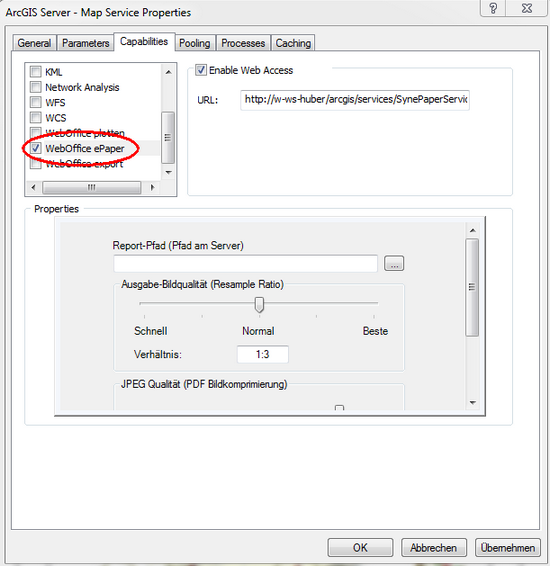
Map Service capability WebOffice ePaper
Create a directory on your ArcGIS Server machine, where the ePaper Template files (file extension .mrt) will reside.
Note: Recommended location is <ArcGIS Server location>\WebOfficeePaperTemplates
Using a subdirectory of the <ArcGIS Server location> ensures that the file system rights for accessing the plot layouts are correctly set.
Set the Report path to the WebOfficeePaperTemplates directory created before.
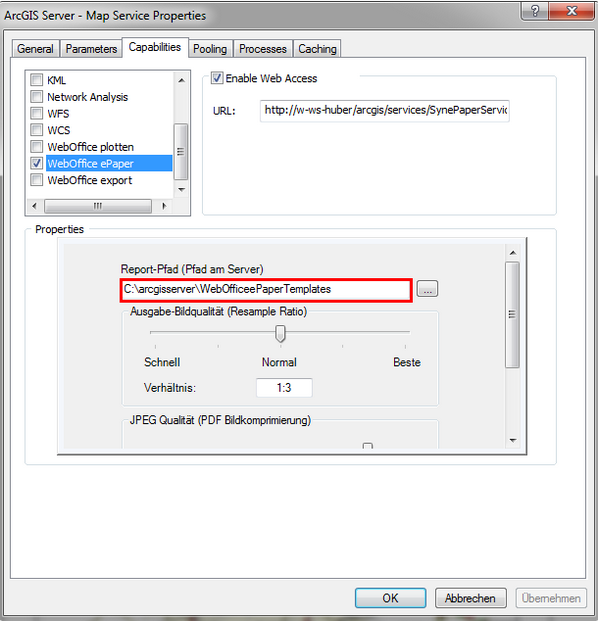
WebOffice ePaper capability - Set the Report path
Note: The SynePaperService can be used as report service for several projects. If many reports are expected, settings concerning instances and recycle time (Pooling and Processes tab) should be revised. See WebOffice10R3_UserManual.pdf for details.
Commit the changes pressing OK.
Start the Map Service again:
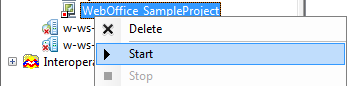
Start Map Service
Started SynePaperService