Export Users

Since WebOffice 10.6 it is also possible not only to import the users but also to export them as a .xlsx. The .xlsx file contains:
•Login name
•Name
•Password
•Surname
•Forename
•Phone
•Fax
•Group rights
Step 1
Open in the UserManagement Admin Web at Users > Export the corresponding wizard to export users. Select the users you want to export.
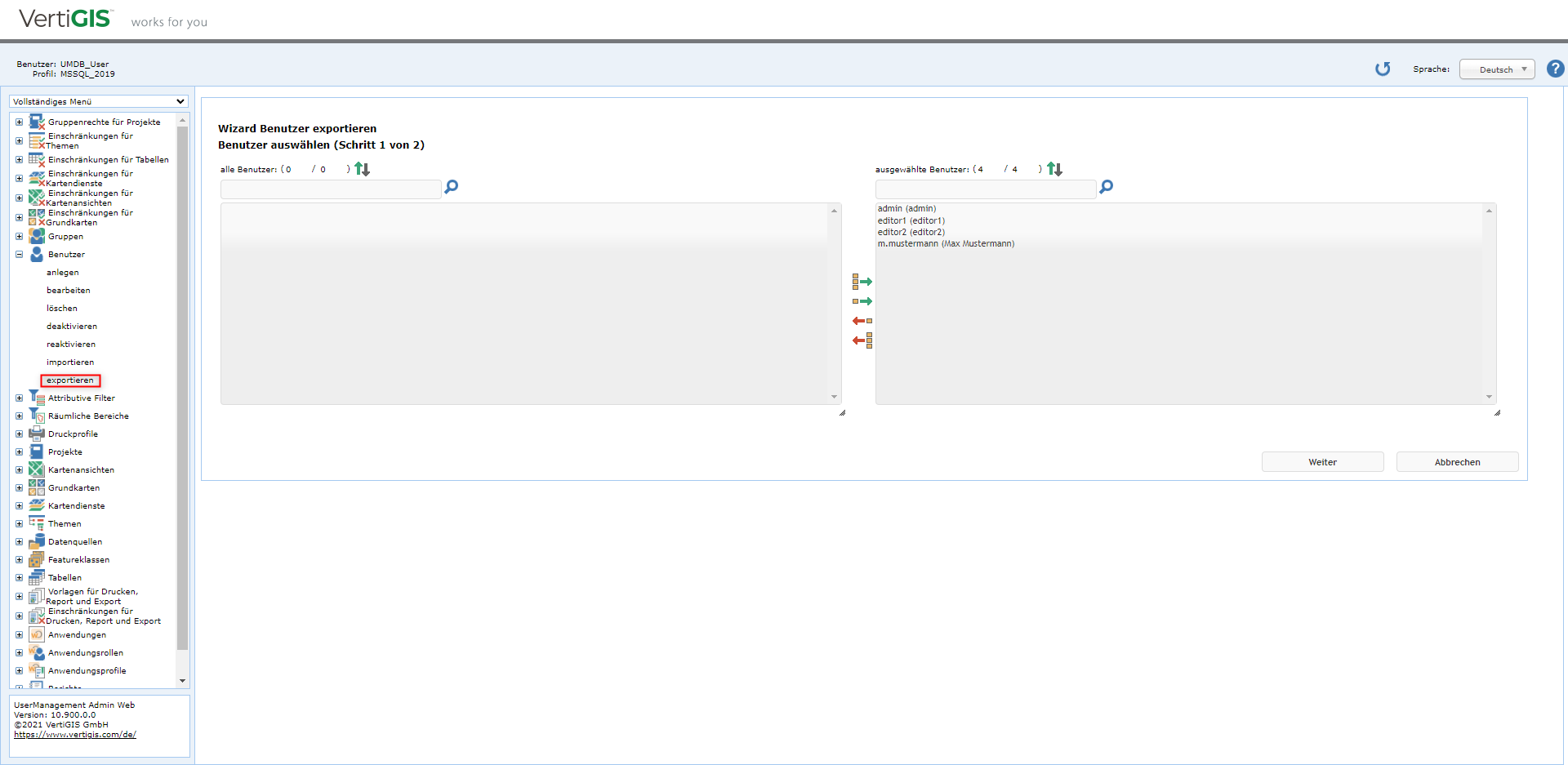
Selection of users to export
Step 2
Click on Finish and then click here to export the users.
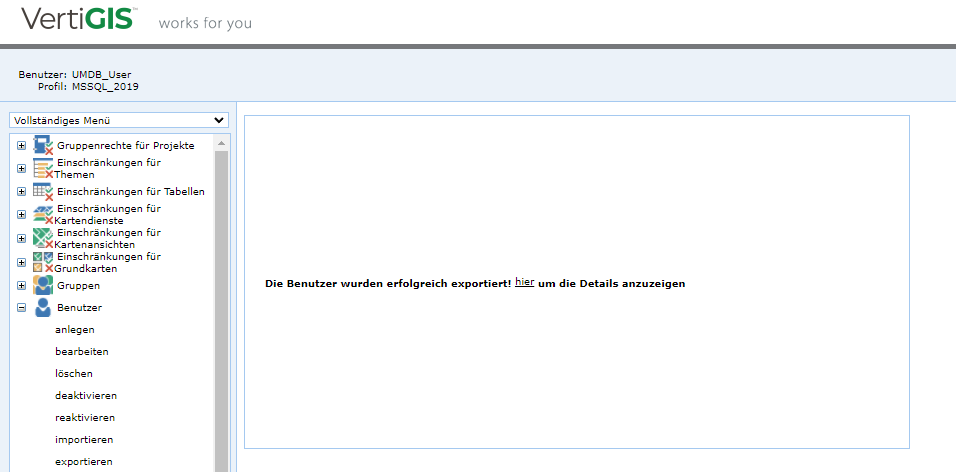
Export Users