News Ticker (RSS feeds)

Enter the RSS feed in WebOffice author standalone under Application Configuration > Landing page > News tickers > News ticker in the property RSS (URL) (see News Tickers). Each news ticker shows one RSS feed in its own tile. Changes to the application configuration take effect only after a restart of Apache Tomcat.
The former parameter rssURL in metroUI\portal_config.js is no longer evaluated.
After that configuration, the landing page shows an additional, dynamic tile. In this tile all the news of the rss feed will be presented (in a loop). If you pick one of these news, the link to the news itself opens in the same browser tab.
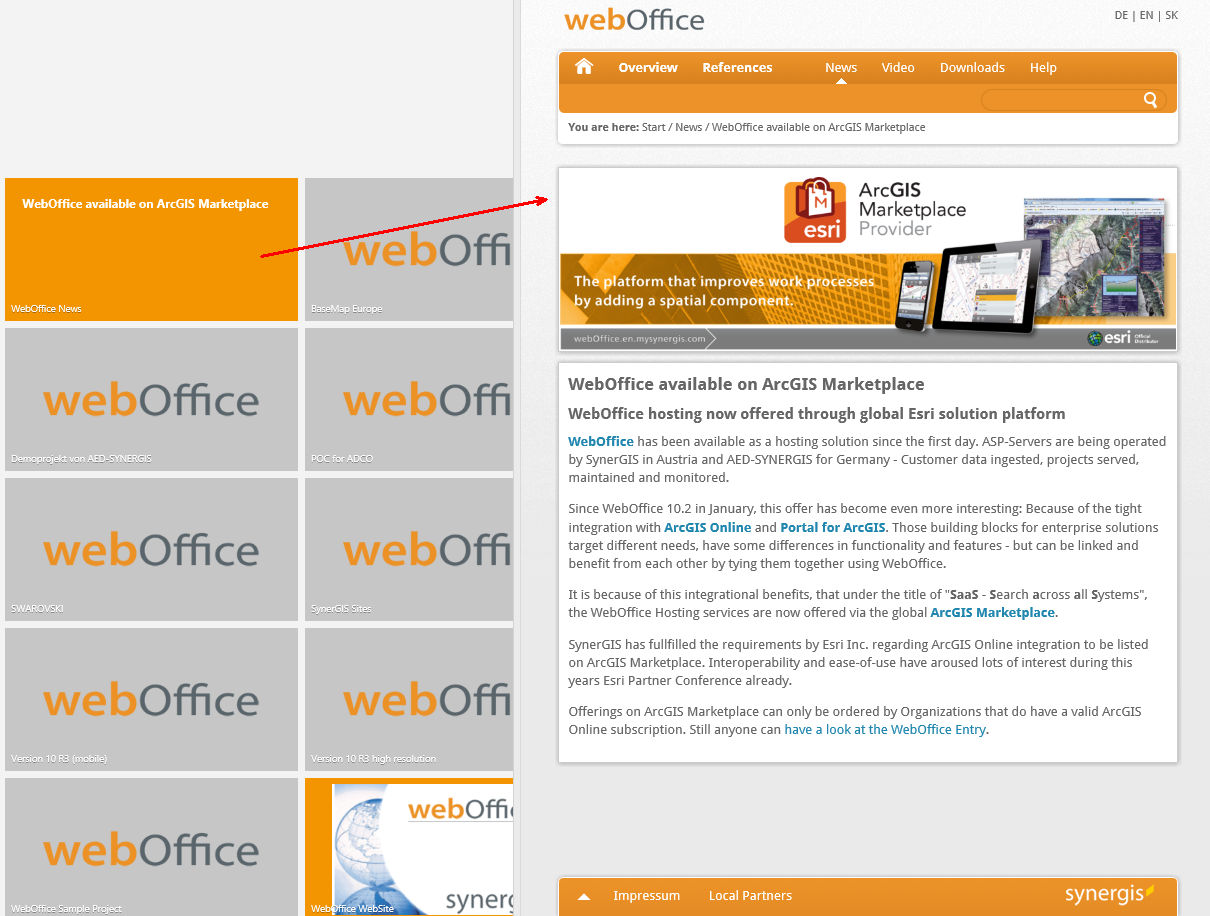
News ticker in WebOffice html client
|
As of WebOffice 10.9 R6, and in WebOffice 10.9 R5 with the latest cumulative patch: The WebOffice server fetches the feed itself and delivers it to the landing page. The browser no longer accesses api.rss2json.com; the parameters rss2jsonURL and apiKey in portal_config.js are no longer used, no API key is required. The server needs access to the address of the feed (internet access or proxy). For https, the certificate of the feed must be trusted in the Java truststore. This also allows feeds from the intranet to be displayed. If the feed server redirects to another host with an internal address, the feed is not loaded for security reasons. The log then contains The redirect of the feed server to ... was refused. In this case, enter the target URL of the redirect directly as the feed. Feeds larger than 8 MB after decompression are not loaded either. Older builds of WebOffice 10.9 R5: The browser loads the feed via the external service api.rss2json.com. This service no longer answers requests without an API key, so the tile shows no news. Install the latest cumulative patch. |
