Problems in representing the print preview

If you have troubles in representing the print preview extent in the WebOffice 10.9 R3 client (e.g. showing landscape, but portrait is configured), try the following workaround:
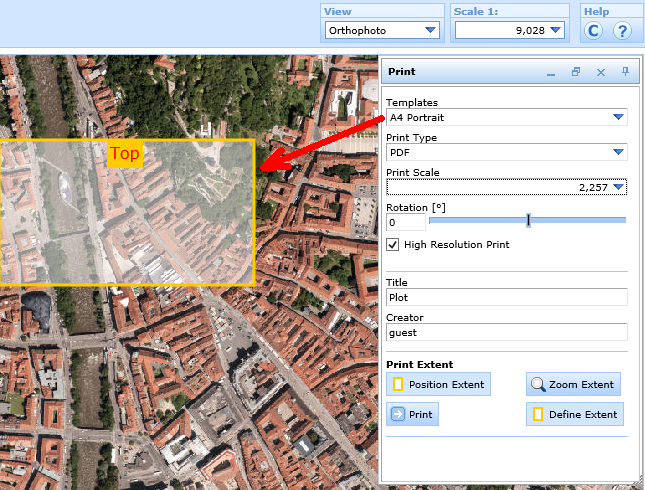
Faulty representation of the print preview extent in the WebOffice 10.9 R3 client
•open the SynPlotService.mxd (<ArcGIS Server location>\directories\WebOfficePlotTemplates)
•open the faulty layout file with WebOffice plot author
•activate the dataframe print
•save the layout
•restart the service WebOffice Extensions
•restart the SynOutputService