Edit layout attribute table |
  
|
Edit layout attribute table |
|

All settings of a layout attribute table can be edited belated. Select the table with a mouse click and press the button Edit layout attribute table from the WebOffice plot author toolbar.
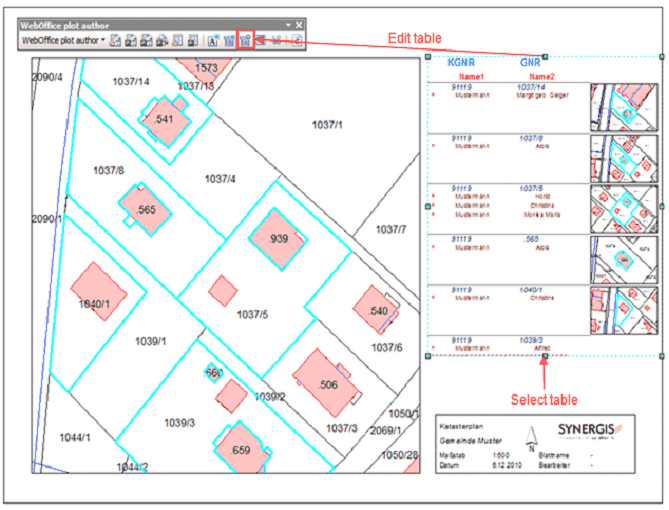
The Edit layout attribute table dialog has the same content as the so far explained Insert layout attribute table dialog.
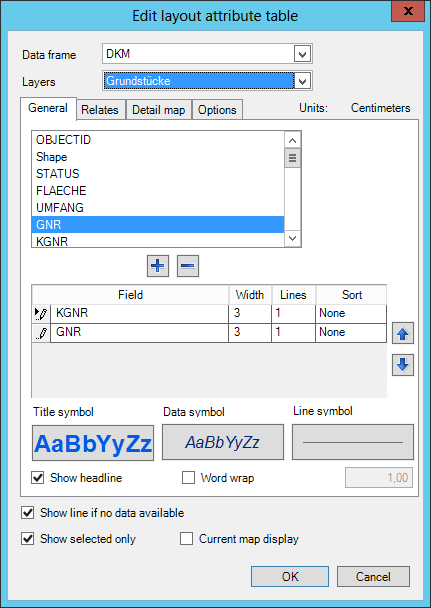
After applying changes to the data, close the menu with a click at the OK button. Changes are directly carried out.