Customize Language Bundle |
  
|
Customize Language Bundle |
|
This wizard is used to overwrite the WebOffice standard texts of the WebOffice html or WebOffice core client. The changes are stored in the file C:\Tomcat\webapps\<WebOffice application>\client-workspace\JSXAPPS\weboffice\jss\language_weboffice_user.xml or C:\Tomcat\webapps\<WebOffice application>\client_flexjs\jss\language_weboffice_user.xml and are retained even after a service pack or patch is installed. Customize Language Packs provides support for customizing WebOffice standard texts.
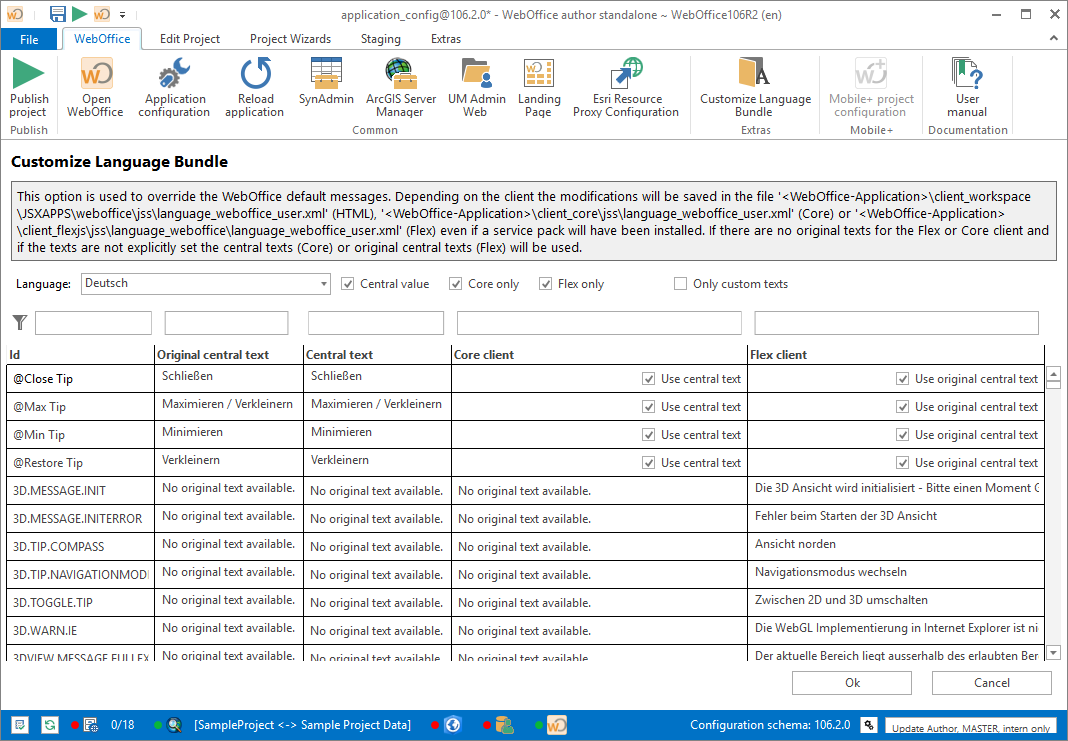
Language Bundle Dialog Box
After you have selected a language for which you want to overwrite WebOffice standard texts, WebOffice author standalone lists all standard texts for the selected language. You can sort the column contents in ascending/descending order by clicking on the column header. With the filter control under the column heading, the column contents can be filtered according to certain criteria.
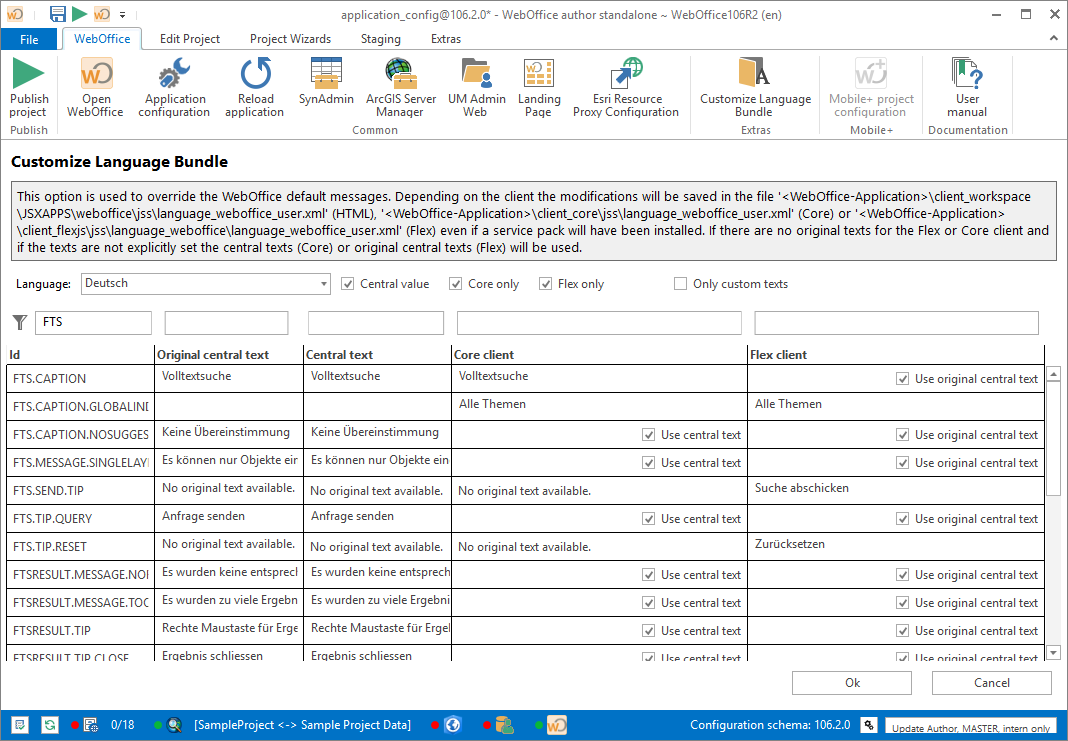
Filtering in the Language Bundle Dialog Box
In the desired column, enter the text that you want to see in WebOffice 10.6 R2 SP2 Client instead of the original text. If you want to display the original text again, simply set the user-defined text to blank and click Apply.
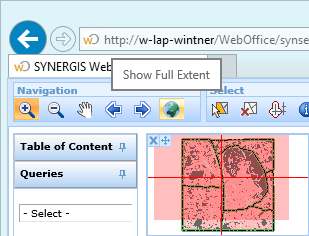
Benutzerdefinierter Text im WebOffice 10.6 R2 SP2 Client
Texts in the item "HMTL client" are used for the WebOffice html-, as well as for the WebOffice core-Client. Core-specific texts can be configured in the "Core client" node.
Note: If the custom texts are not visible in the WebOffice html Client, it may be necessary to clear the browser cache. See Chapter Delete Browser Cache for more information.