Problems in representing the print preview |
  
|
Problems in representing the print preview |
|
If you have troubles in representing the print preview extent in the WebOffice 10.4 SP2 client (e.g. showing landscape, but portrait is configured), try the following workaround:
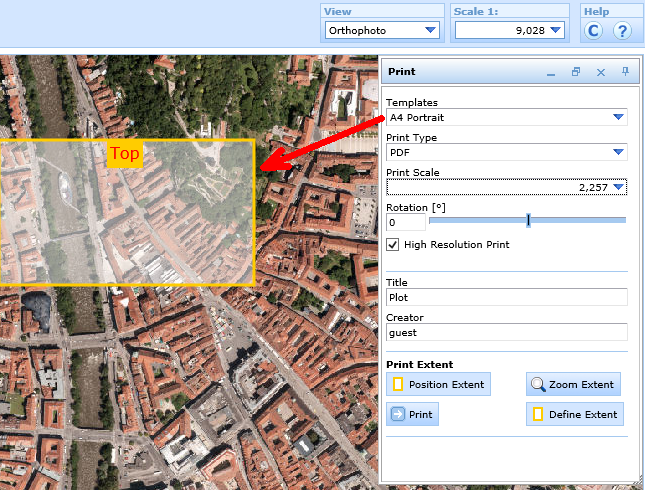
Faulty representation of the print preview extent in the WebOffice 10.4 SP2 client
•open the SynPlotService.mxd (<ArcGIS Server location>\directories\WebOfficePlotTemplates)
•open the faulty layout file with WebOffice plot author
•activate the dataframe print
•save the layout
•restart the service SynerGIS WebOffice Extensions (depending on the version also restart COM+ services)
•restart the SynOutputService