Map Scalebar |
  
|
Map Scalebar |
|

For every map (feature map or current map) it is possible to add and connect a scale bar.
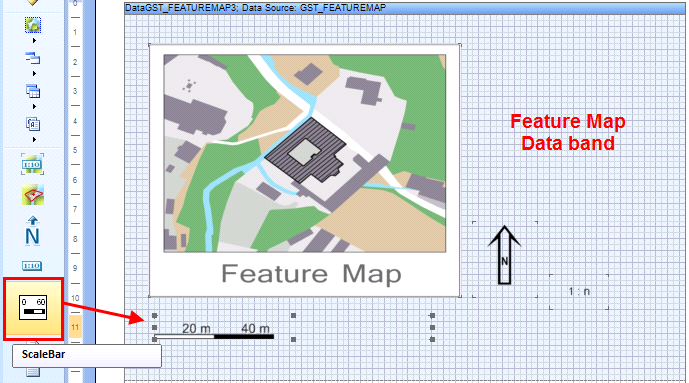
Insert scalebar
A double click on the scalebar opens the properties dialog for the scalebar.
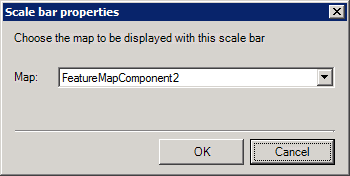
Scale bar properties
For the scalebar you have only one option to choose - the connection to the map. Choose a map for which the scalebar should be displayed. The list shows all available maps inside the report template.
In this version there exists only one predefined scalebar style. The length and width of the scalebar changes by drawing the size of the scale bar.