Maptip |
  
|
Maptip |
|
In order to use the maptip tool in the testcontainer just activate the function under "Tools".
Input parameter |
Description |
Specifies a JavaScript callback function. |
|
By checking this parameter the tool will initially be activated after refreshing the map widget. |
Input parameter - Maptip in WebOffice map widget testcontainer
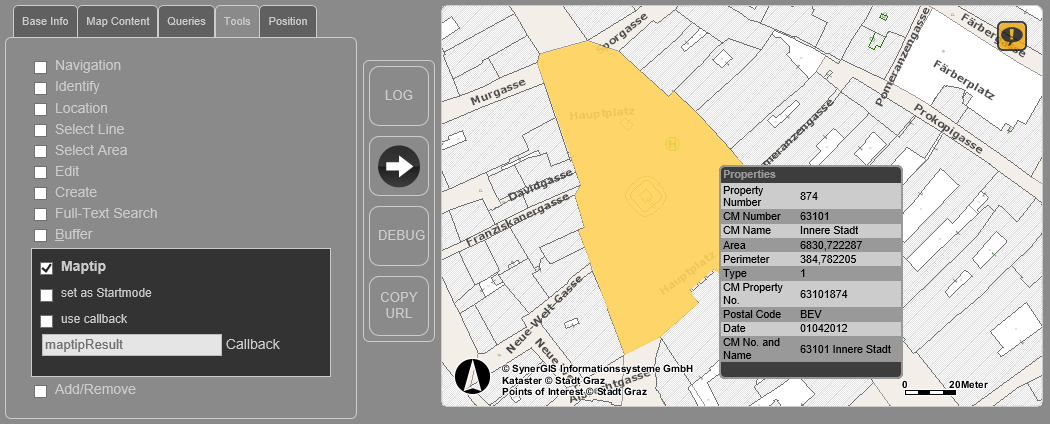
WebOffice map widget testcontainer - Maptip Tool
Note: With WebOffice 10.3 SP2 the WebOffice map widget also supports aliases of the layer and the result fields in the Maptip tool.
Note: Please find more details about the configuration of the Maptip tool in WebOffice author in the chapter Identify MapTip.