Location |
  
|
Location |
|
Geolocation shows the current position of your WebOffice mobile client. Pressing the button causes a zoom towards your position in the same browser tab.
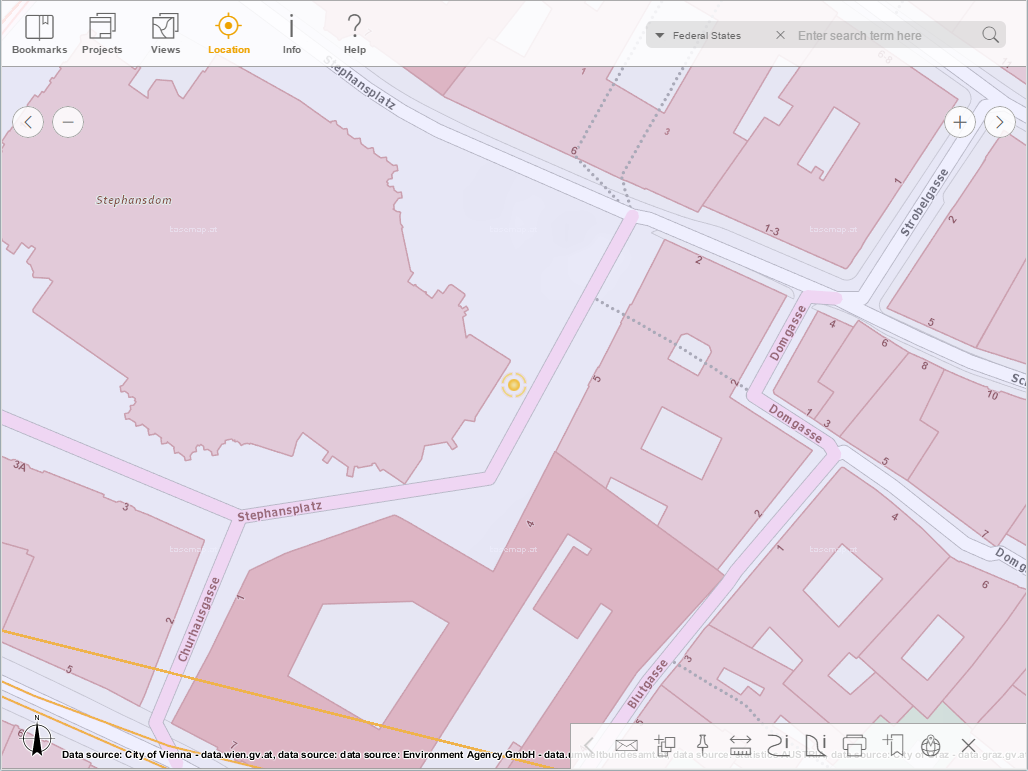
Zoom to position in the WebOffice mobile client - tablet mode
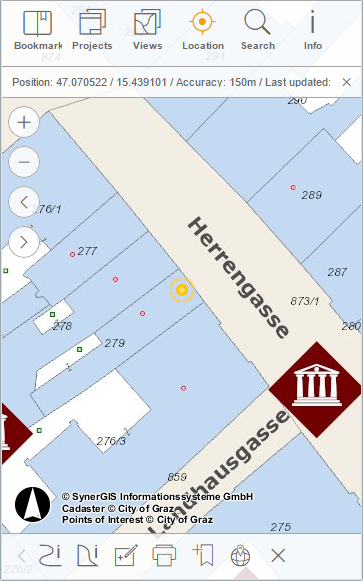
Zoom to position in the WebOffice mobile client - phone mode
Note: See chapter Geolocation for more details about the configuration of the geolocation tool.