K5 Labeling |
  
|
K5 Labeling |
|

K5 Labeling tool in the WebOffice html client
The K5 Labeling tool supports labeling of features similar to K5 labeling GeoOffice.
Note: Currently no multi-labeling is supported. Only single features can be labeled.
Note: Currently only the interactive selection is supported for K5 labeling but not the linking from a search result.
After activating the K5 Labeling tool there are several options to be set in the tool dialog before placing a label in the map.
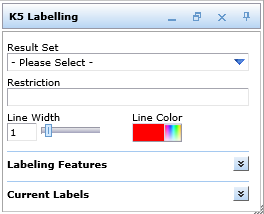
K5 Labeling tool dialog in the WebOffice html client
| • | Result Set |
In a first step choose the Result Set to be labeled.
| • | Restriction |
Only available for Contributions.
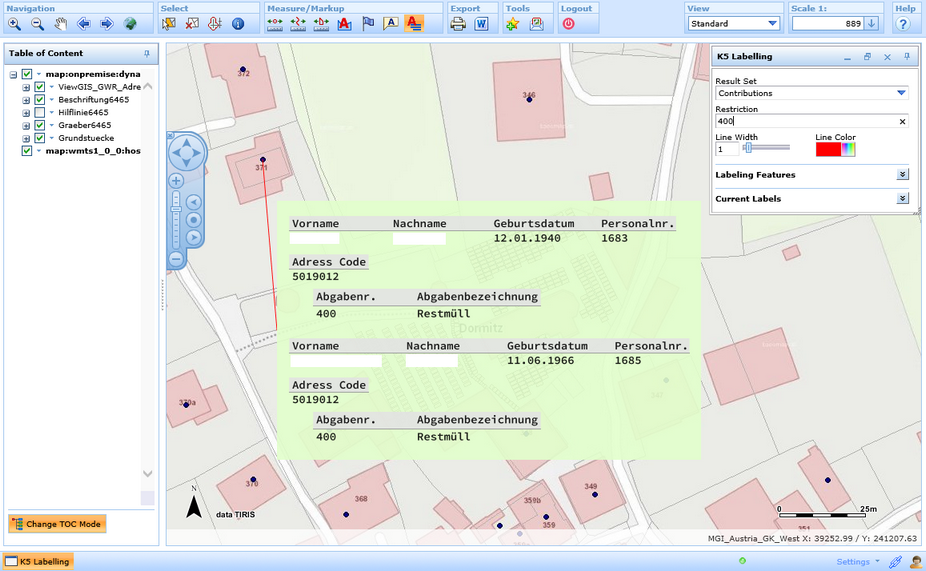
K5 labeling with restrictions
| • | Style Settings |
It is possible to define the style settings of the label line (line width and line color).
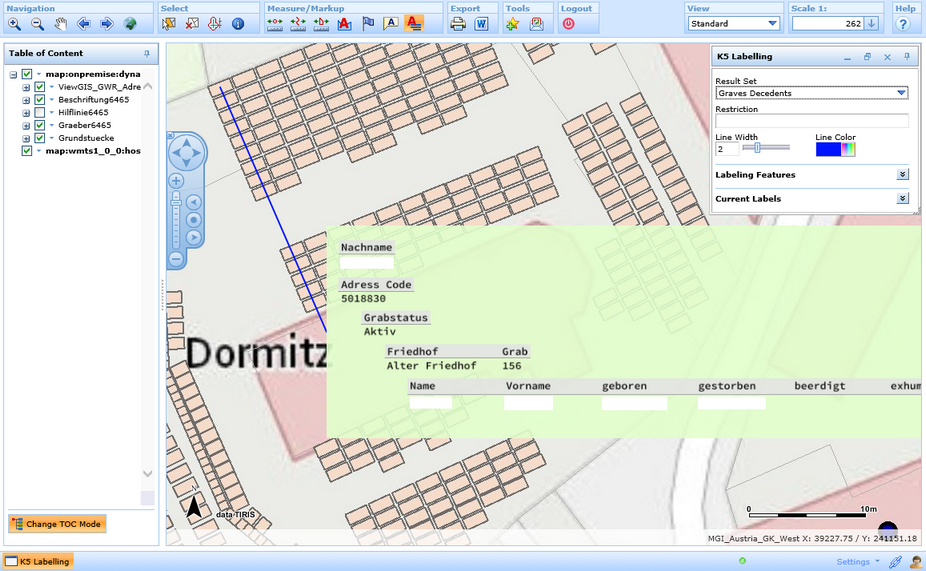
K5 labeling - style of labeling line in WebOffice html client
| • | Labeling Features |
When clicking into the map and more features will be found, you can pick from the labeling features.
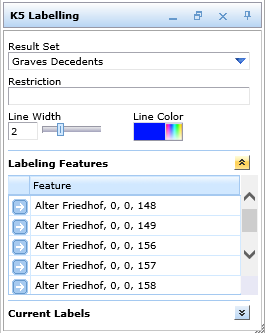
Labeling features in WebOffice html client
| • | Current Labels |
In this section it is possible to remove either all labels or only single labels.
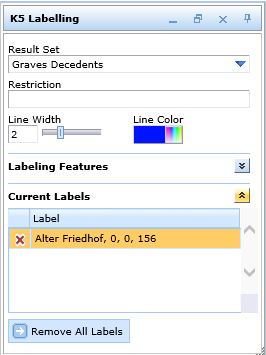
Current labels in WebOffice html client
Note: See chapter K5 labeling for details about the tool configuration in WebOffice author.