Select |
  
|
Select |
|

Selection tools in the WebOffice core client
The selection tools of the WebOffice core client can be usually found in the ribbon SELECT and contain the following tools:
| • | Group Select |
| • | Group Identify |
In case one of the four selection tools (box selection, selection by polyline, selektion by area or selection by circle) has been activated, some configuration settings for spatial selection will be displayed. The following parameters can be set:
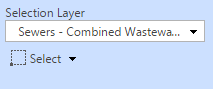
Choose the selection layer and mode
Selection Layer
Select from various selection layers depending on your WebOffice 10.3 SP2 project configuration.
Selection Mode
The selection mode defines whether a new result will be created, or objects will be added or removed to/from an existing result.
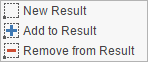
Selection mode
Additionally, other tools (e.g. selection by circle) may provide further configuration settings.
Note: The selection mode cannot be changed whenever the selection layer is set to Visible Layers. Multiple selections from various layers cannot be displayed in the Result List. Instead you will find them in the Feature Summary.
Dynamic Selection
Depending on the configuration, animated graphics (animated GIF files) can be used for object selection. This way, the user can identify the currently selected object in the map more easily.
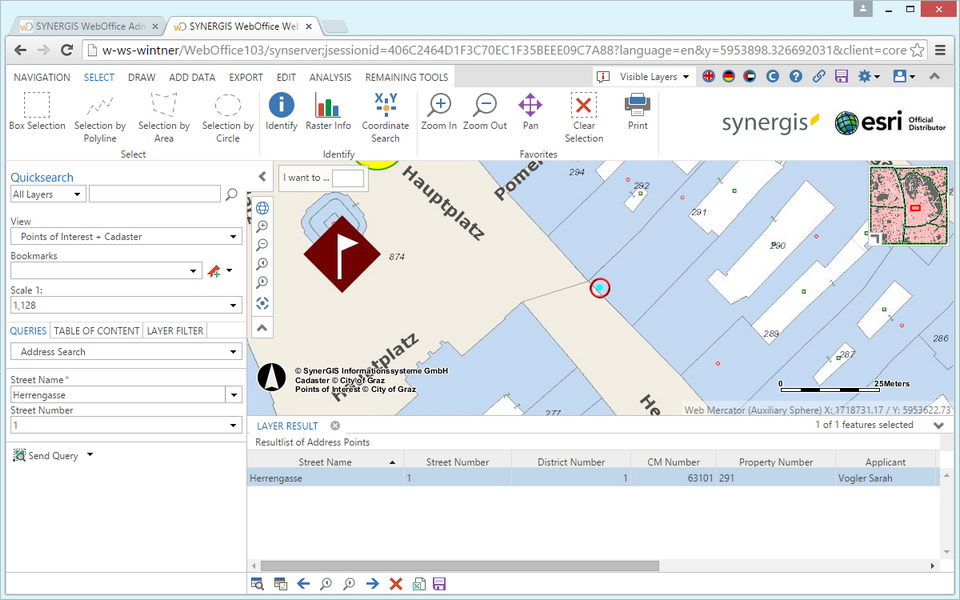
Dynamic selection
Note: See chapter Dynamic Selection for details about the configuration.