Log Explorer Standalone

The Log Explorer Standalone is a separate web page for analyzing WebOffice log files that are not viewed directly on the server – e.g. log files sent to support, backups or the logs of several cluster nodes. It is available at:
https://resources.weboffice.vertigis.com/Util/WebOfficeLogfileExplorer/
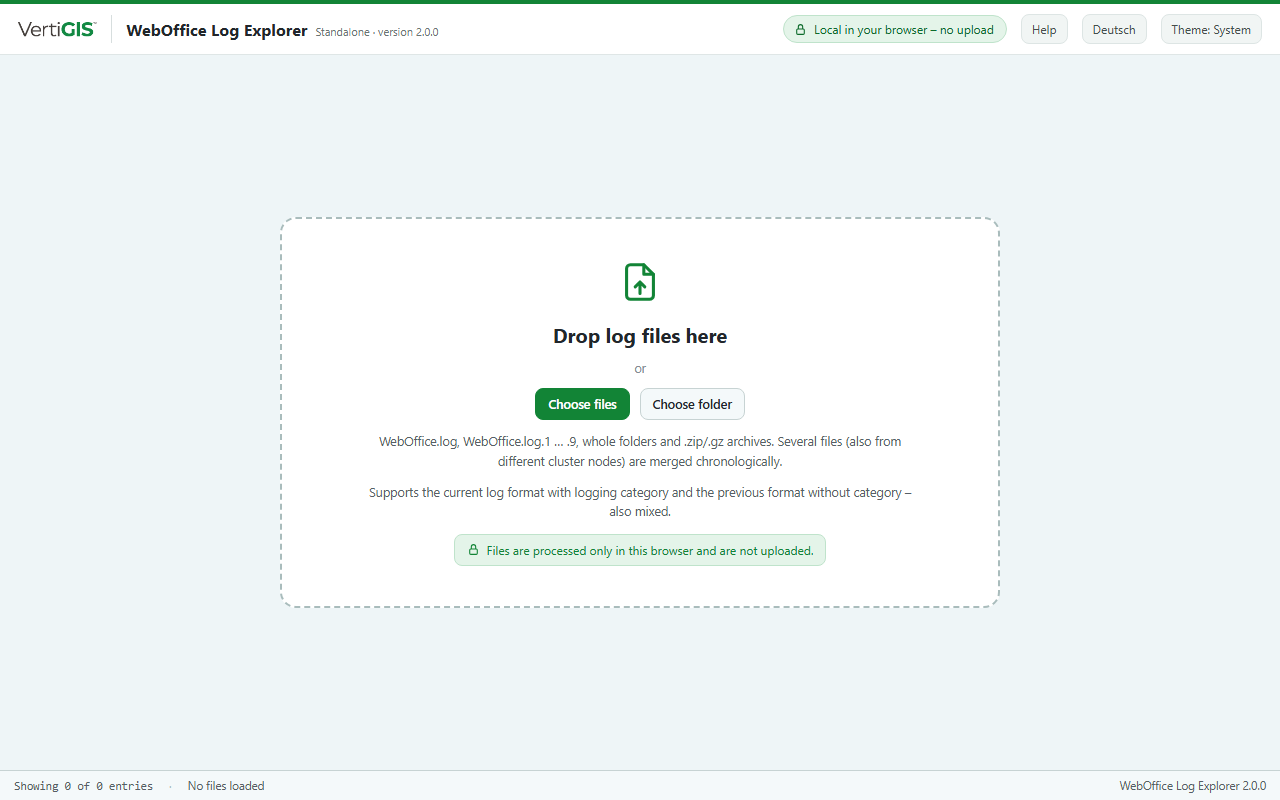
Log Explorer Standalone before loading files
Loading files
•Drag files or whole folders onto the browser window, or use Choose files or Choose folder.
•Supported are WebOffice.log, the backups WebOffice.log.1 to .9 as well as .zip and .gz archives; archives are extracted directly in the browser.
•From folders, only log files (*.log, *.log.1 … *.log.9, *.txt) and archives are taken.
•Use Add to add more files at any time. All entries are merged chronologically.
Several files and cluster nodes
Every file appears as a file chip with color, number of entries and log format (with cat. / no cat.). Clicking the chip hides and shows the file, × removes it, Remove all clears the view. With two or more files, the column File is shown as well.
If several files have the same name (e.g. WebOffice.log from different nodes), the folder or archive name is put in front. It is therefore best to put the logs of each node into a separate folder. Entries that are identical in several files are shown only once.
Files that could not be loaded (e.g. not a log file, already loaded, encrypted archive) are listed in a note below the files bar.
|
The files are processed only locally in the browser and are not uploaded. Closing or reloading the page removes them. Language (German/English) and appearance (light/dark) can be switched in the top right corner. |
